 Hair AI Salon
Brown is the lowest-risk colour change there is — it's usually achievable in one session, needs no bleach, and grows out gracefully — and you can see exactly how it looks on you by applying it to your own photo. Cool undertones suit ash and espresso browns; warm undertones suit chestnut, caramel and chocolate.
Why brown is the safest big change
Going brown — whether from blonde, from grey, or a shade or two from your natural — is the friendliest colour decision available. It rarely needs bleach, it's usually one appointment, it's the cheapest to maintain, and if you dislike it you're not stuck for a year. That's why it's the shade most colourists suggest to first-timers.
The brunette spectrum
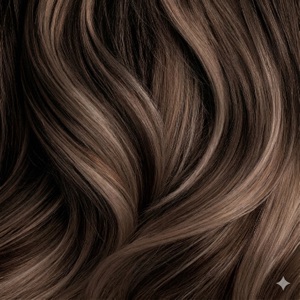
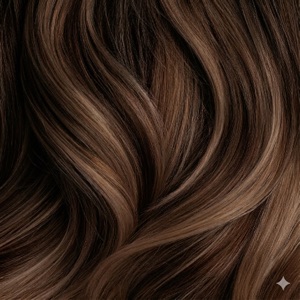
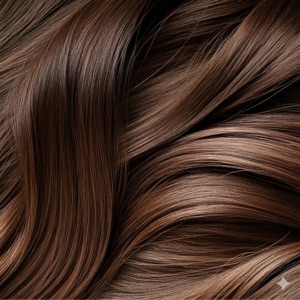
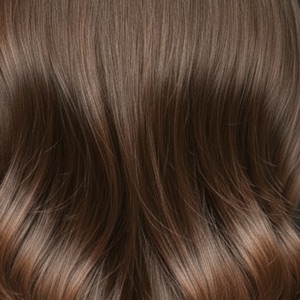
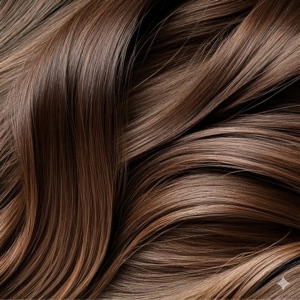
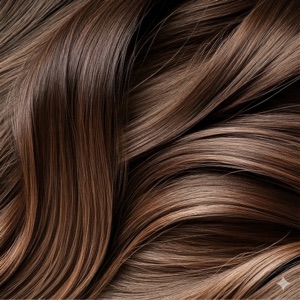
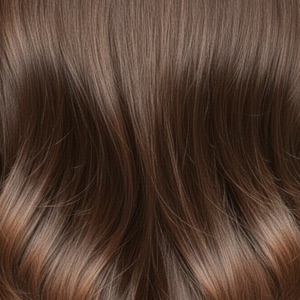
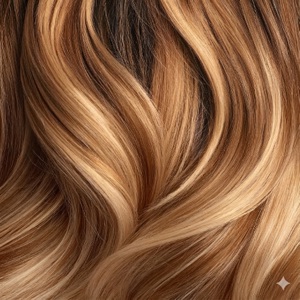
- Espresso & Dark Brown — near-black depth with warmth; high impact, very low maintenance, brilliant on cool undertones.
- Chocolate — rich and neutral-warm; the most universally flattering brunette.
- Chestnut — brown with a red-gold cast; gorgeous on warm undertones and green or hazel eyes.
- Mocha & Ash Brown — cool, smoky browns; 2026's most-requested brunette and the antidote to brassiness.
- Light Brown & Caramel Balayage — dimension without a full colour commitment; the softest grow-out of the lot.
Going brown from blonde — the one catch
Bleached hair is porous, so brown dye can grab unevenly and end up darker or greener than intended. Colourists solve this with a filler step. It's routine — but it's the reason "just going back to brown" occasionally goes wrong, and a good reason to agree the exact shade in advance with a preview.
Covering grey with brown
Brown is the most common grey-coverage choice, but going too dark can be ageing as skin tone softens. A slightly lighter, warmer brown than your original colour usually looks more natural — and previewing a couple of depths side by side makes that call obvious. If you're weighing coverage against embracing it, see our grey hair guide.
See it on your own face first
Hair AI puts every brunette shade — espresso to caramel balayage — on your own photo in seconds, with a before/after slider so you can judge the change honestly. Free to download with free credits.
Frequently asked questions
How can I see myself with brown hair?
Upload a photo to Hair AI and apply any brunette shade. The AI regenerates your photo with the colour on your real hair and lighting, so you see the actual result rather than a swatch.
What shade of brown suits me?
Cool undertones suit ash, mocha and espresso browns; warm undertones suit chestnut, chocolate and caramel. Staying within two shades of your natural depth keeps your contrast — and your maintenance — comfortable.
Is it hard to go from blonde back to brown?
It's straightforward but not trivial: bleached hair is porous and can grab colour unevenly, so a colourist will usually add a filler step first. Agreeing the exact target shade in advance avoids the classic too-dark result.